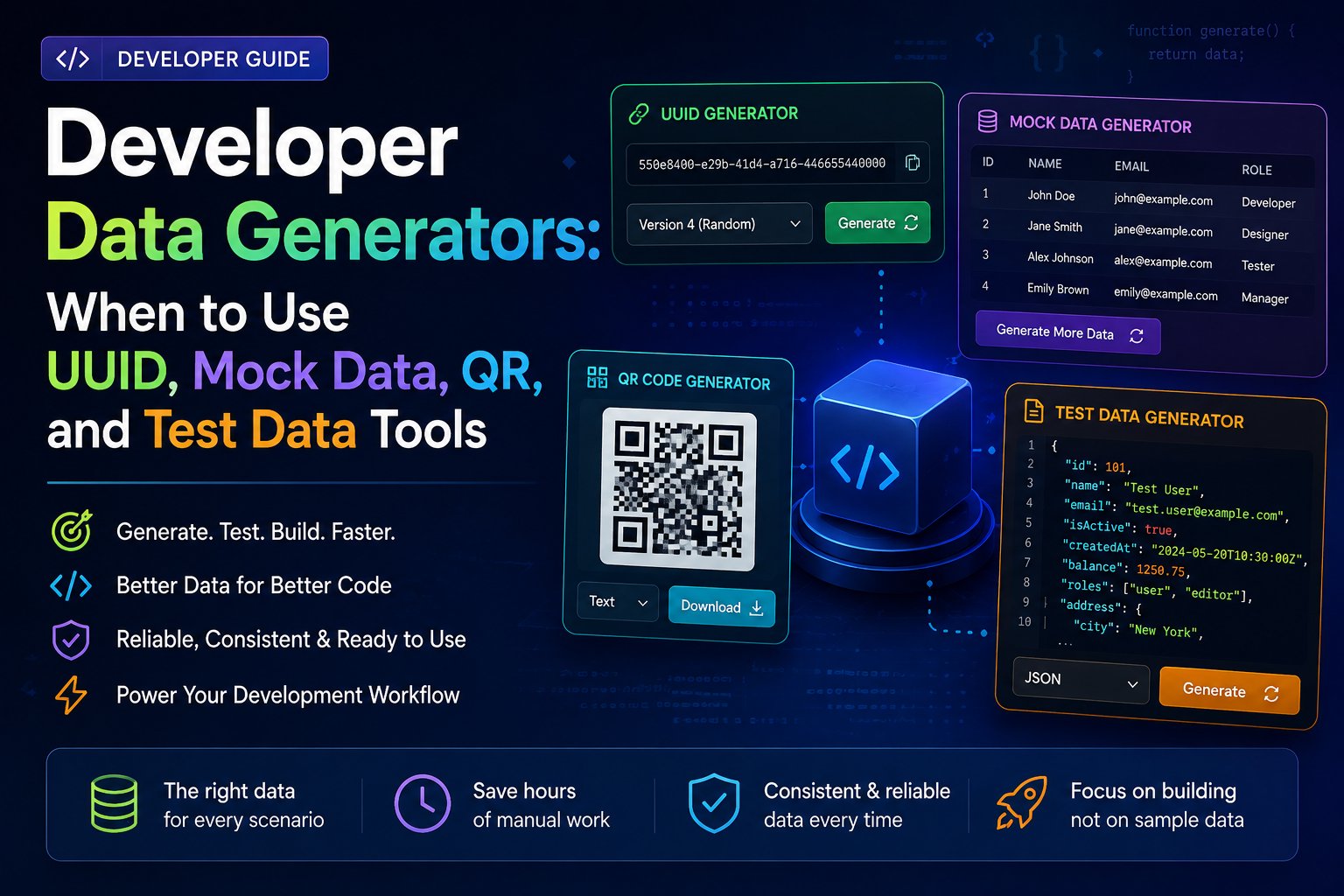
When someone groups UUID generators, Lorem Ipsum generators, QR code generators, and color palette generators into one article, the implied message is that these tools are all somehow related. They're not, really — at least not in the way a list implies. What connects them is the situation: you're building something and you need data that doesn't exist yet. The tools diverge completely from there depending on what kind of data and what you're trying to do with it.
This article is about the actual workflows these generators fit into — specifically API development and testing, UI prototyping, and demo preparation. I'll cover UUID v4 vs v7 vs ULID, when fake data generators are a compliance requirement and not just a convenience, how a QR code fits into an API testing flow, and — the section most tool articles skip — when you should not use generated data at all.
The API Development Workflow — Where Generators Actually Connect
This is the situation where multiple generators get used in sequence rather than independently. The flow is worth showing explicitly because it's not obvious how they connect until you've done it a few times.
The reason this flow matters: without generators, each step involves inventing data by hand — which introduces inconsistency — or copying from somewhere else, which risks using real data where you should not. Generated data threads the whole workflow with realistic but synthetic values from start to finish.
UUID — v4 vs v7 vs ULID, and Why the Distinction Actually Matters
UUID is the most frequently generated piece of data in backend development. It's also the one where I see the most accidental choices — people defaulting to v4 because it's what they've always used, without thinking about whether something else would serve better.
UUID v4 — pure random
Randomly generated. No information in the value itself. Universally supported. Use when you just need uniqueness and the generation time is irrelevant. Right default for most cases.
UUID v7 — time-ordered
Embeds a millisecond timestamp as the first 48 bits — sorts in chronological order. Use for database primary keys where you want insertion order, event IDs in log systems, or any ID that benefits from natural time-ordering without a separate timestamp column.
ULID — readable + sorted
Same time-ordering as v7 but encoded as 26-character base32 — URL-safe, no hyphens. Better in logs and URLs where you want sorted IDs that are also human-readable. Check ORM and database support before adopting.
The practical case for v7: a service that generates event records where you often query "events from the last hour." With v4 UUIDs you need a separate timestamp column and an index on it. With v7, the UUID itself provides chronological ordering — your events are already in sequence. On a table with tens of millions of rows, that shows up in query performance in ways that are hard to recover from later.
A decision that cost me later: in 2022 I inherited a service using auto-incrementing integer IDs for a public-facing resource. Sequential IDs in a URL let anyone enumerate resources by incrementing the number — a minor but real security issue. Migrating to UUID v4 meant migrating existing data, updating every join, and a careful deployment window. Starting with UUID v4 would have been thirty seconds of thought at schema design time instead of a two-day migration.
The LearnHubly UUID Generator generates v4, v7, and ULID — copy a single value or bulk-generate a set for seeding test data. Client-side, nothing transmitted.
Fake Data and Mock Profiles — This Is a Compliance Issue, Not Just Convenience
Using fake data generators in development and staging is not just a productivity tip. For teams handling personal data, it is often a legal requirement.
Under GDPR and similar regulations, using real user data in a non-production environment — even an internal staging server — constitutes processing that may not be covered by the original consent the user gave. "We're just testing" is not a satisfying answer to a data protection authority. The correct answer is that your staging environment never sees real user data because you generate synthetic data for it. This is one of those situations where the pragmatic choice and the compliant choice are the same thing.
Example — realistic synthetic JSON for API testing
{
  "id": "019571a2-f847-7f3e-9b2c-4d8e1f06a3c9",
  "name": "Meera Krishnamurthy",
  "email": "meera.k.2847@mailtest.dev",
  "phone": "+91-98-4527-3819",
  "address": {
    "street": "42 Residency Road",
    "city": "Bengaluru",
    "state": "Karnataka",
    "pincode": "560025"
  },
  "role": "developer",
  "createdAt": "2026-03-14T09:22:41Z"
}

// Realistic enough to exercise all validation paths
// Completely synthetic — no connection to a real person
The "realistic enough" part matters more than it sounds. I've seen test suites full of "John Doe / test@test.com / password123" data that would never trigger the email validation errors, character limit edge cases, or Unicode handling issues that real user data would expose. Generated fake data that follows real-world patterns — international phone numbers, addresses with non-ASCII characters, email addresses at edge-case lengths — surfaces bugs that toy data misses.
For generating full user profiles, addresses, and API payloads: Fake Data Generator. Generates realistic synthetic records — names, emails, addresses, phone numbers in multiple locales.
Lorem Ipsum and Placeholder Text — UI Prototyping Specifically
Lorem Ipsum is not really a developer tool — it's a UI and content tool. But developers end up needing it when they're building components before the real content exists, or writing frontend tests that need text of a specific length to trigger overflow behaviour, or building a prototype that needs to look populated.
The situation where Lorem Ipsum specifically helps: testing typography and layout decisions with realistic text volumes before the copywriter has delivered anything. A headline component that looks great with "Short title" might break with a 95-character real headline. Generating variable-length placeholder text lets you stress-test the layout without waiting for real content.
Modern Lorem Ipsum generators also produce realistic fake content — actual sentences in English with plausible structure, rather than the Latin placeholder text. For anything that will be reviewed by a client or stakeholder, realistic fake English reads better than "Lorem ipsum dolor sit amet."
QR Codes in Development Workflows — Where They Actually Fit
QR codes are genuinely useful in a narrower set of situations than most generator articles suggest. They're not a daily development tool — they come up in specific phases.
Mobile testing during development is the main one. When you're testing a web app on a physical device and don't want to type a local network URL like http://192.168.1.47:3000/feature/checkout — generate a QR code, scan it from the device. Faster than AirDrop, faster than typing, works across platforms.
Demo handoffs are the other common case. Sharing a prototype URL, a staging environment link, or a specific flow URL during a user testing session or stakeholder demo. A QR code on a slide or a shared doc is faster than copying a URL from one device to another.
Testing QR code scanning in your own app is where you need to actually generate codes with specific payloads — payment data, Wi-Fi credentials, contact cards — to verify your scanner handles the formats correctly.
One thing worth doing every time you generate a QR code for anything that will be printed or shared publicly: scan it yourself before distributing. A QR code that scans correctly on the generator's preview does not always survive PDF compression or printing at certain DPI settings.
The LearnHubly QR Generator creates codes for URLs, plain text, Wi-Fi credentials, and contact cards — downloadable as PNG or SVG. Client-side.
Passwords and Secure Tokens — When You Need Something Truly Random
Generated passwords and random tokens have a specific role in development: seeding test accounts with credentials that aren't obviously guessable, generating API keys for test integrations, and creating initial credentials for infrastructure that gets rotated properly before production.
The thing I'll say plainly: "test123" and "password" in staging environments are actual security risks, not just bad practice. Staging environments often have network access, sometimes have database connections to real infrastructure, and occasionally get credentials accidentally promoted to production. A generated random password for every test account costs nothing and eliminates a class of risk entirely.
Never use a password generator output as a real production secret — for anything important, use a proper secrets manager (HashiCorp Vault, AWS Secrets Manager) to generate and store credentials. A browser-based generator is for test credentials and development seed data, not for production API keys or encryption keys.
When NOT to Use Generated Data
When Generated Data Works Against You
Generated test data is genuinely useful but it has real limitations, and using it without understanding those limitations leads to test suites that give false confidence.
Don't use generated data for domain-specific edge cases. A fake data generator that produces "realistic" user data does not know that your application has a business rule about names containing certain characters, or order amounts below a specific threshold, or addresses in regions you don't serve. Those edge cases need handcrafted test data written by someone who understands the business rules.
Don't use generated data to reproduce a specific bug. If a bug occurred with real data, you need a sanitized copy of that real data — or data that reproduces the exact conditions. A fresh generated record is unlikely to have the specific combination of fields that triggered the issue.
Don't let generated data replace handcrafted test cases. Property-based testing with generators — generating hundreds of random inputs and asserting invariants — is valuable. It should complement a suite of specific, intentional test cases, not replace them. Generated tests find unexpected inputs that break things. Handcrafted tests verify the things you know should work.
Don't use generated UUIDs when you need deterministic test IDs. If a test asserts that a specific resource ID appears in a response or a database record, a freshly generated UUID will fail that assertion. Tests that check specific values need fixed IDs — hardcode them in your test fixtures, don't generate them fresh on each run.
The frame I use: generated data is for populating environments and exercising code paths. Specific test assertions, edge case coverage, and bug reproduction all need deliberate, crafted data.
Quick Reference — Which Generator for Which Situation
| Situation | Generator to use | Notes |
|---|---|---|
| Database primary key — no ordering needed | UUID v4 | Default for most cases |
| Database primary key — want time-ordered | UUID v7 or ULID | Natural insertion ordering without a timestamp column |
| Public URL containing an ID | UUID v4 or ULID | Prevents sequential enumeration; ULID is URL-safer |
| Populating a staging environment with users | Fake data generator | GDPR compliance — never use real user data in staging |
| API test payload with realistic fields | Fake data + UUID | Realistic enough to trigger real validation paths |
| Stress-testing a UI component with text | Lorem Ipsum / placeholder text | Variable length to find overflow and layout bugs |
| Sharing a prototype URL for mobile testing | QR code generator | Faster than typing a local network URL on a device |
| Test account credentials in staging | Password generator | Not "test123" — actually random |
| Reproducing a specific production bug | Sanitized real data | Generated data unlikely to reproduce exact conditions |
| Specific assertion in a test ("ID should be X") | Hardcoded fixture data | Generated IDs are non-deterministic — tests will fail |
FAQs
UUID v4 is purely random — use it when you just need uniqueness and the generation time doesn't matter. UUID v7 embeds a Unix millisecond timestamp as the first 48 bits, meaning v7 UUIDs sort in chronological order. Use v7 for database primary keys where you want insertion ordering without a separate timestamp column, event IDs in log systems, or any ID that benefits from natural time-ordering. ULID gives the same time-ordered property with a more readable, URL-safe encoding if your stack supports it.
For teams handling personal data under GDPR and similar regulations, yes — using real user data in non-production environments may constitute processing not covered by the original consent. The requirement is that staging and development environments use synthetic data with no connection to real people. Fake data generators are the practical tool for meeting this requirement without manually crafting every test record.
ULID (Universally Unique Lexicographically Sortable Identifier) is a 128-bit identifier like UUID but encoded as a 26-character base32 string — URL-safe, no hyphens, case-insensitive. It sorts chronologically like UUID v7. Use ULID when you want time-sorted IDs with a compact, URL-friendly representation. Use UUID when working with systems that expect the standard hyphenated format — most ORMs, databases, and APIs do, and ULID support is less universal.
Three situations: when you need domain-specific edge cases that a generic generator won't produce; when you need to reproduce a specific bug that occurred with real data; and when a test asserts a specific value — generated IDs are non-deterministic and will fail assertions that check for a specific ID. Generated data is for populating environments and exercising code paths. Specific assertions and edge case coverage need deliberate, handcrafted test data.
Generators Are for Specific Situations — Know Which Ones
The mistake most "generators" articles make is treating these tools as a category — a collection of things that all speed up development in some vague way. That framing makes it harder to reach for the right one at the right moment, because you're thinking "should I use a generator?" instead of "I need a unique ID for this database record — should it be v4 or v7 given how I'll query it?"
UUID v4 vs v7 is a schema design decision. Fake data generators are sometimes a compliance requirement. QR codes appear in a narrow set of useful situations and not in most others. Generated passwords in staging environments eliminate a real risk. And none of this replaces deliberate, handcrafted test data for edge cases and specific assertions — it complements it. — Priya
Try the Generator Tools
UUID v4/v7/ULID, QR codes, fake data, passwords — all client-side, nothing transmitted.